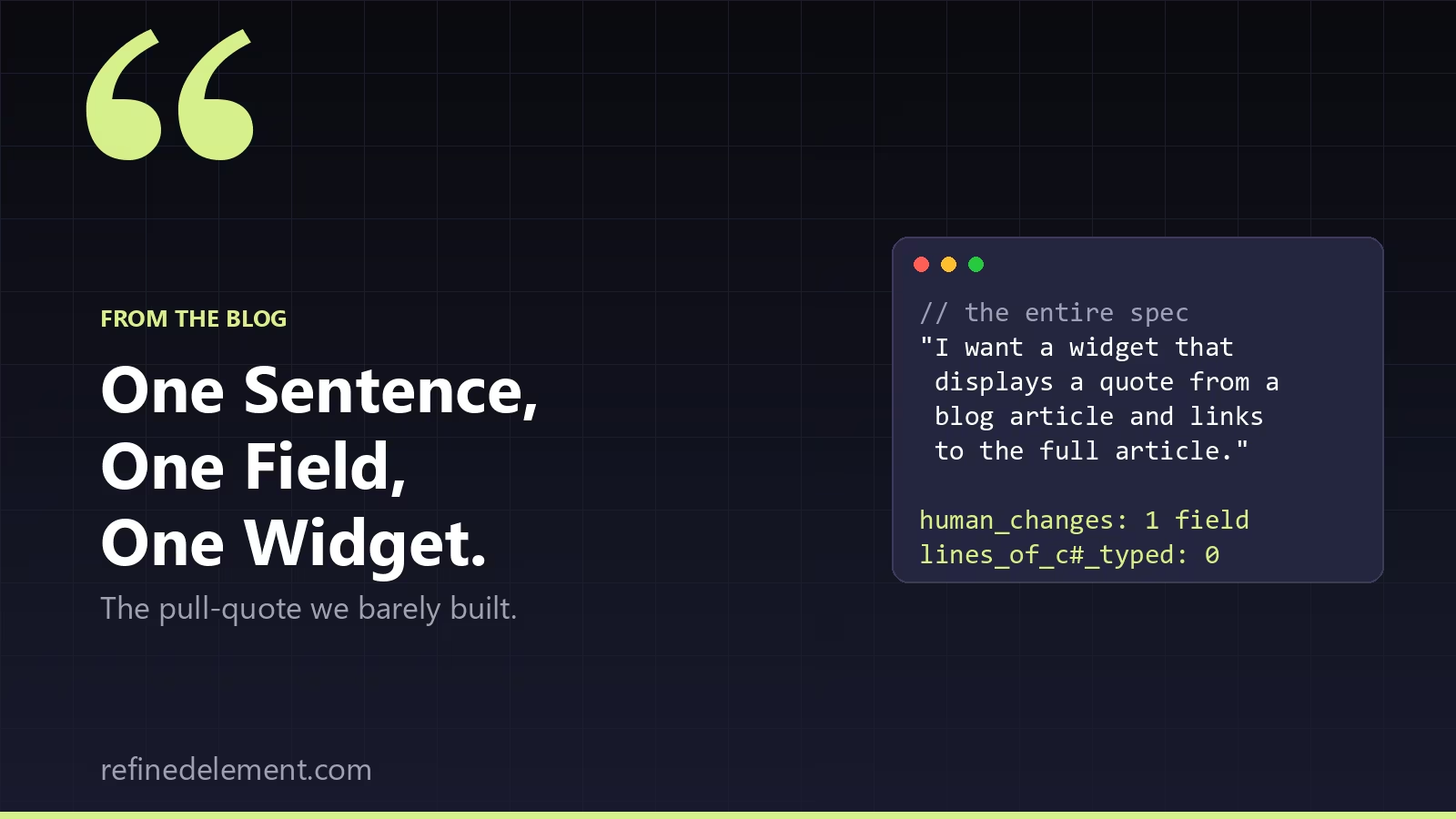
Somewhere in a Slack thread, in its entirety, sits the spec for our newest widget:
"I want a widget that displays a quote from a blog article and links to the full article."
That's it. No Jira ticket. No field-by-field breakdown. No forty-minute meeting where somebody draws a wireframe on a whiteboard and somebody else asks "but what about mobile." Just a sentence, fired off the way you'd ask a coworker to grab you a coffee.
If you've built Kentico widgets for a living, you know how this story usually goes: somebody writes that sentence, a well-meaning developer starts scaffolding a ViewComponent that afternoon, and three days later they're six ContentItemQueryBuilder calls deep, staring at a null reference exception, muttering about how the "simple" widgets are the ones that ruin your Friday.
We've been experimenting with an AI-assisted build process for exactly this kind of work, and handed it that one sentence to see what happened. What happened wasn't quite what we expected.
It asked before it assumed
Instead of generating code on the spot, it asked questions — the kind a good senior dev asks before touching the keyboard. Who picks the article: a content editor, or something pulled dynamically? Where does the quote text actually come from?
For the parts that didn't matter much, it proposed sensible defaults instead of making us decide everything: attribution from the article's title and author, a "Read the full article →" link doing the obvious thing, a small "From the blog" eyebrow label for context. Measure twice, cut once, and don't make the human answer forty questions when four will do.
Then it found the gap before we tripped over it
We said the quote should come from a field on the article. Correct instinct — right up until it actually looked at our content model.
It came back with two observations, delivered in the calm, faintly amused tone of someone who has seen this movie before. First: our Article content type didn't have a pull-quote field. It did not exist. We'd been describing a field that lived entirely in our heads. Second, and this is the part that'll make any Kentico developer wince in recognition: our blog isn't one content type doing double duty — it's the classic routed-page-references-reusable-content setup. A routed ArticlePage owns the URL; the actual substance — title, author, body — lives on a reusable ArticleContent item the page links to. Anyone who's chased a linked item that keeps coming back null already knows why that distinction matters.
So instead of writing a widget that would compile fine and then quietly do nothing in Page Builder, it stopped and told us what to build first: you'll need a field for this to work, and here's exactly what it should look like. Not rich text — a plain Text field, capped around 500 characters, optional, sitting on ArticleContent next to the rest of the real content. A pull quote is supposed to be clean text the widget styles itself, not an invitation for someone to bold half of it and forget to close the tag.
This is, we'd argue, the funniest and most quietly impressive part of the whole exercise. It played the senior dev who asks "wait, does the data even exist?" instead of the junior who builds first and discovers the gap live, at 5pm, on a Friday. It caught the gotcha every one of us has personally lived through — before a single line of widget code existed to catch it in.
Our one job
We added the PullQuote field. That was, more or less, the entirety of our manual coding effort on this project. A few clicks in the content type editor, and we moved on with our day.
What came back
The widget it produced was the kind of thing you hope a strong mid-level dev turns in on their best day. It queried the selected ArticlePage, followed the reference to the linked ArticleContent, pulled the quote, title, and author, and resolved the article's actual URL through Kentico's own routing rather than hardcoding a link that would rot the next time a URL pattern changed. If an article had no quote set, it rendered nothing — no empty box, no awkward whitespace, just graceful silence. It even skipped depending on generated model classes entirely, so it wouldn't collide with our own codegen output. That's exactly the kind of fiddly, content-bound retrieval logic that people get subtly wrong.
Proof it works
We pointed it at a real article, and it rendered. Live. Quote, attribution, working "Read the full article →" link, no fuss. The quote that came up:
"The browser is still a reader. It is just no longer the only one."
— Mike Rahel, from "What happens when your CMS has readers that are not people?"
Sit with that one for a second. The widget was built, essentially, by one of those other readers — an AI agent that interviewed us, went spelunking through our content model, and wrote the C#. And the very first thing it renders is a pull quote from an article arguing that your CMS now answers to readers who aren't people. A non-human reader, surfacing an article about non-human readers, on a page a human is about to read. We did not plan that bit of recursion. We're taking it anyway.
The whole tab
One sentence in. A content-aware, routing-correct, gracefully-degrading widget out. The human contribution: one field in the content type editor. Everything in between — the interview, the content-model archaeology, the idiomatic code, the edge cases nobody remembers to handle until they've been burned by them — happened without us typing a line of C#.
Which raises an uncomfortable question for anyone with a backlog of "simple" widgets that never quite got simple. What else is sitting in there, one sentence away from done?